Medical Providers · Practical Growth Guide
Local SEO for Medical Practices: A Checklist for Google Maps and Search Visibility
Review medical practice business profiles, real locations, service pages, contact consistency, reviews, and appointment paths with this local SEO checklist.
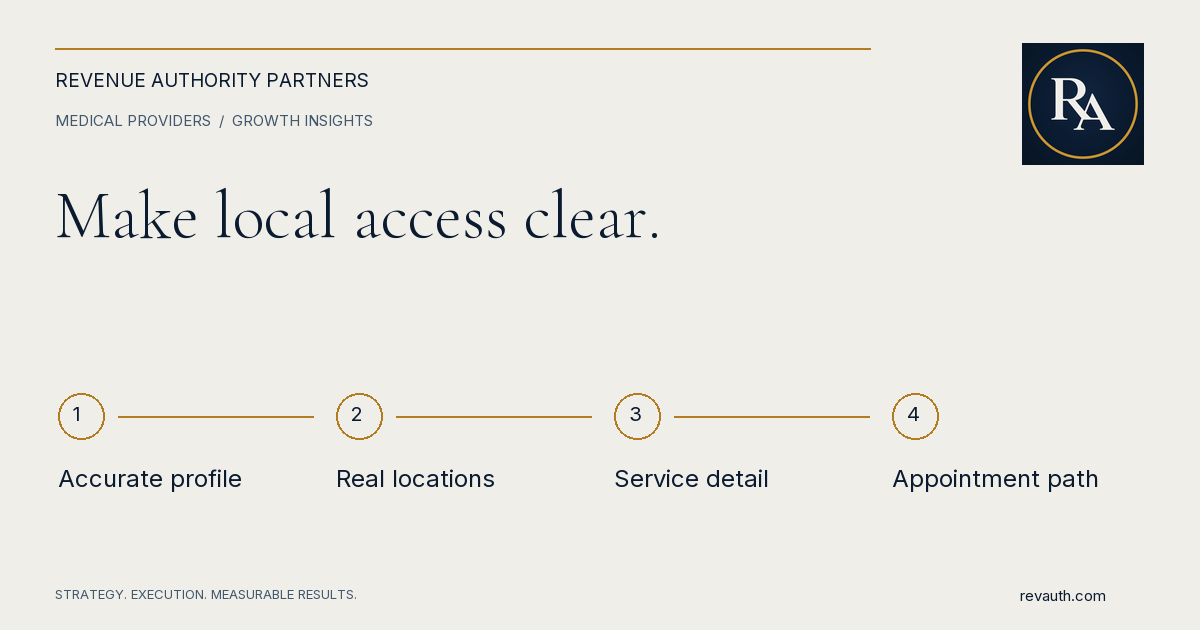
Local SEO for medical practices begins with accurate business profiles, clear information about real locations and services, and a website that helps people request an appropriate appointment. Review those elements together. A visible listing that sends people to the wrong office or an unclear booking page can create traffic without improving access to the practice.
This checklist helps administrators coordinate the website, profile management, and scheduling teams. It is designed to prioritize factual accuracy and useful patient information before expanding content or buying additional tools.
Verify the practice's public identity
Create a record of the practice name, public phone numbers, locations, hours, and website addresses. Confirm which details are approved for public use and who owns the relevant profiles. Investigate old names or phone numbers rather than assuming the website is the only version people encounter.
Check profile access and responsibility. A listing managed by a former employee or vendor can become difficult to update when hours or services change. Make sure the practice has appropriate administrative control and a routine for reviewing changes.
Keep an update log. When a location moves or a service changes, list the website pages, profiles, directories, and appointment links that need review. Assign the work instead of relying on staff to remember every place the information appears.
Understand what local visibility can and cannot do
Google describes local ranking in terms of relevance, distance, and prominence. It also states that businesses cannot request or pay for a better local ranking. See Google's explanation. Use that as a boundary when evaluating claims about guaranteed map placement.
The practice can improve the accuracy and completeness of its own information and the usefulness of its website. It cannot make every person in a broad region physically close to an office. Review visibility from the perspective of actual service locations and the patients the practice can reasonably serve.
Avoid treating a single manual search as a complete ranking report. Results may differ by location and context. Use consistent reporting and a defined group of relevant service questions, then compare changes over a meaningful period.
Give each real location a useful destination
A location page should identify the office, contact information, services available there, and the appointment process. Include practical details such as parking, building access, or directions when they help a visitor. Ensure the information reflects the actual location rather than a generic template.
Explain differences across offices. If a service or clinician is available only at selected locations, say so clearly. Sending every search visitor to a general contact page can make people call the wrong office and force scheduling staff to repeat basic routing work.
Do not manufacture offices or use location language that implies an unsupported presence. Where the practice serves a broader area, describe that arrangement accurately. A truthful service-area explanation is more useful than dozens of pages with substituted city names and little distinct information.
Connect service pages to the right offices
Map priority services to the locations that provide them. The service page should link to relevant location and appointment information. The location page should help visitors find services offered there. This creates a clear path without requiring a visitor to search the whole website.
Have clinical content reviewed appropriately. Explain the service in language a prospective patient can understand, while avoiding a promise that the person is a suitable candidate or will experience a specific outcome. Keep practical access information close to the service explanation.
Review titles and headings for specificity. Each page should have a clear purpose. If two pages compete to explain the same service at the same office, decide whether they should be differentiated or combined. More URLs are not automatically more useful coverage.
Check the mobile path from search to scheduling
Open a location page directly on a phone. Can someone find the office number, understand where to go, and request an appointment? Check click-to-call links, form labels, scheduling destinations, and confirmation messages. A successful submission should not leave the visitor guessing whether a booking exists.
Verify delivery inside the practice. Follow a test request through the approved system and confirm which team receives it. If a form routes all locations to one inbox, make sure someone is responsible for triage and backup coverage.
Keep new-patient requests distinct from patient portal access when that distinction helps visitors. A person trying to contact a physician about existing care may need a different channel from someone exploring an initial visit. Clear routing reduces confusion for both groups.
Manage reviews without disclosing patient information
Establish an approved process for review requests and responses. Staff should know who may respond publicly and what topics require internal escalation. A response should not reveal private information or assume that the reviewer has consented to public discussion of a care relationship.
Have the practice's privacy lead guide the process. Even a well-intended attempt to explain a complaint can disclose information the practice should not publish. Keep public responses restrained and direct people to an appropriate private channel when necessary.
Treat feedback as operational input. Repeated comments about phone access, directions, or scheduling can reveal a practical issue the practice can investigate. Addressing that issue may be more useful than focusing only on the average rating.
Measure useful local demand
Track the available profile interactions and website visits, then review appointment outcomes where appropriate and observable. Calls, direction requests, website clicks, and completed visits are different measures. Do not add them together and label the total new patients.
Compare locations and services with context. Different hours, clinician availability, and appointment capacity can explain different results. Ask whether a change reflects visibility, demand, access, or data quality before changing the entire local strategy.
Use a simple monthly review: identify inaccurate information, pages needing improvement, broken appointment routes, and the next action for each owner. Maintain the fundamentals consistently before adding a large number of new pages or profile experiments.
Local SEO review checklist
- Approved name, phone, hours, and location details agree across key properties.
- Each real office has an accurate, useful destination page.
- Service pages link to the offices that actually provide the service.
- Mobile callers and form users reach the appropriate team.
- Review handling follows the practice's approved privacy process.
- Reporting separates listing interactions from completed patient appointments.
RevAuth can help coordinate those responsibilities across website development, local search work, content, and scheduling operations. The objective is clearer discovery and a more reliable path for suitable patients, with evidence that leadership can use to prioritize the next improvement.
Common questions
Does every medical practice location need its own page?
A distinct real office often benefits from a useful location page when its access details, services, or scheduling process differ. The page should provide genuine information rather than duplicate another office page with a changed city name. Represent locations accurately.
Can a practice pay to rank higher in Google Maps organically?
Google says local rankings cannot be requested or purchased. Paid advertising is a separate activity. Evaluate local SEO work by its concrete improvements to accurate information, useful pages, technical access, and relevant visibility rather than a guaranteed map position.
Why are Google profile clicks not the same as new patients?
A click can come from an existing patient, a person researching options, or someone looking for directions. A new patient metric needs a defined appointment or completed-visit outcome in the practice’s own reporting, with appropriate privacy and attribution limits.
Share this guide
FacebookLinkedInPut the plan to work
Connect strategy with hands-on execution.
RevAuth helps law firms, medical providers, and established service businesses improve marketing, conversion, and the systems behind growth.
See if You QualifyRelated services
- SEO for Medical Providers & Practices
- Medical Practice Website Development
- Marketing & Revenue Audit Services
Continue reading
- How to Attract New Patients to Your Medical Practice: A Practical Growth Plan
- Why Your Medical Practice Website Isn’t Generating Appointment Requests